
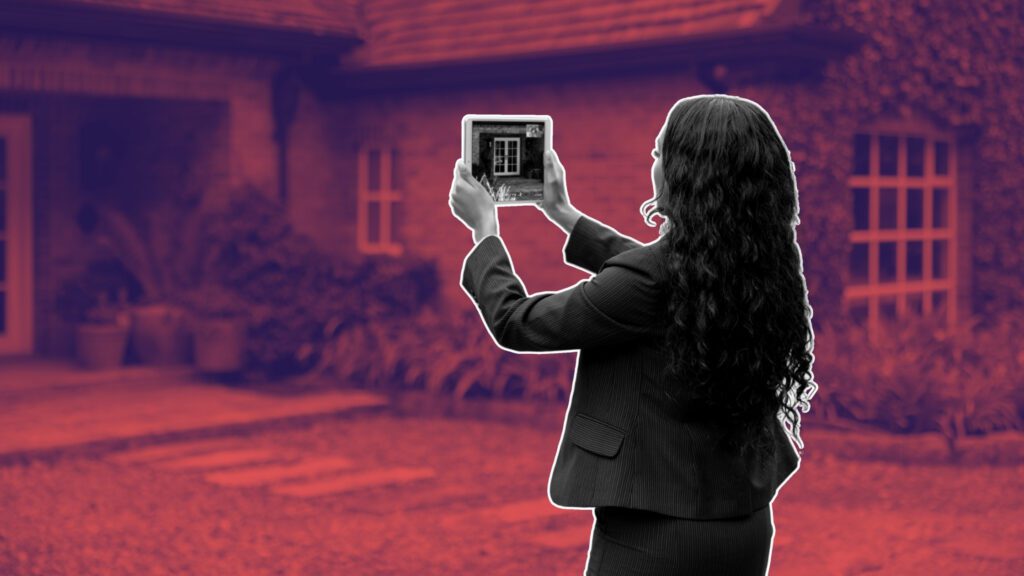

TLDR: Most guests won’t book if they can’t picture the experience.
This guide shows you how to film a virtual tour for your restaurant or hotel that builds trust, drives bookings, and costs nothing.
Introduction
Hospitality is visual. And most of your guests check you out online before they ever walk through the door.
But a photo of your front sign and a shot of last season’s dessert special isn’t selling the vibe.
A simple virtual tour—filmed on your phone, with a clear walkthrough—can do more than any promo. No crew. No edit suite. No drama. Just show people what it’s like to be there.
Table of Contents
1. Why Virtual Tours Work for Hospitality
People book what they can picture.
Seeing the table layout, the lighting, the way plates move from pass to table—it builds expectation.
Especially for first-time guests, private dining customers, or out-of-town bookings.
This is a trust tool. And it’s faster than writing three paragraphs of copy.
2. What to Film (And What to Avoid)
Do:
- Entry path and signage
- Key guest touchpoints (e.g. the bar, chef’s table, lounge, service)
- Real tables set up for service
- Natural walk-through pace
Avoid:
- Empty or messy prep areas
- Close-up food shots unless plated and steady
- Talking heads unless scripted
- Staff standing still or waiting
3. Where to Share It for Bookings
Start with these:
- Google Business Profile (add it under media)
- Your Website (homepage or booking page)
- Instagram Grid (not just Stories)
- Facebook Video Post (tag location and use keywords)
Optional: email newsletter, pinned post, TripAdvisor media, blog embed.
4. Micro-Use Cases: Who This Works Best For
- Restaurants with private dining rooms who want to show layout
- Hotels showing seasonal or holiday themes
- Cafes that need to show ambiance without professional media
- Event spaces that want to close enquiries faster
5. Visual Framing That Converts
A few framing techniques to keep it sharp:
- Always film from guest eye level (about 5’7”)
- Start with the entrance, end with a focal point
- Use light direction to guide attention (never film directly into windows)
- Film in landscape mode for YouTube/Web, portrait for Reels/Shorts
- Suggested walkthrough: From entrance → to bar → to table → to kitchen pass (if relevant) → to exit. All in one smooth shot.
6. Red Flags to Avoid
- Shaky panning (use two hands, or lean your body as you move)
- No plan (walking aimlessly loses viewers)
- Overlong clips (90 seconds max for web use)
- Unedited uploads (trim dead space at start and end)
- If it feels boring to you when rewatching, it will bore a guest. Be concise.
7. Real-World Captions and Scripts
Good video is wasted without a caption.
Sample caption:
“Take a walk through our private dining space—available for Christmas bookings, events, or just a quieter dinner with friends.”
Or, embed a transcript like:
“You’re walking into soft lighting. The front table is already set. You pass the open kitchen. Service is quiet but fast. The bar glows in the corner. This is what Friday night should feel like.”
AI reads that. Guests remember it.
8. What to Do After Posting
- Add alt text to your post or site: e.g. “virtual tour of restaurant interior”
- Use a trackable link (Bitly or UTM) if shared in email or ads
- Repost every 2–3 months with seasonal angle (“see our new menu setup”)
- Virtual tours work best when they’re part of your content rhythm—not a one-off.
Conclusion
Hospitality is a visual promise. If you want guests to trust you, show them. Film the tour. Post the link. Then fill the seats.
Click here to access more tools, templates and other resources.
What is the best way to create a virtual tour for a restaurant or hotel?
Use a smartphone with natural lighting, walk a steady path through your venue, and record in vertical format. Keep it short, edited, and guest-focused.
How can a virtual tour increase hospitality bookings?
A well-shot tour builds trust, reduces booking hesitation, and shows exactly what guests can expect. Posting it on Google and socials helps drive direct bookings.
What should I avoid when filming a virtual tour?
Avoid shaky footage, poor lighting, long unedited clips, and showing cluttered prep areas. Edit the start and end before posting for best results.











